


|
Name |
GCam |
|---|---|
|
Google Play Link |
GET IT ON
Google Play
|
|
Category |
Photography |
|
Developer |
Galaxy studio apps |
| Last version | 9.8 |
|
Updated |
|
|
Compatible with |
Android 7.1+ |
Introduction to GCam APK
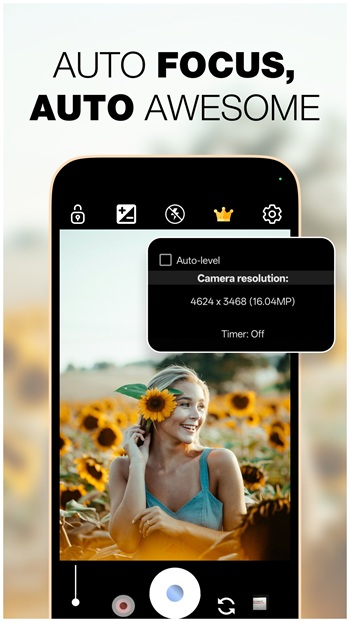
GCam is a camera app for Android that brings advanced image processing tools to phones that may not offer them in the default camera. It focuses on photo quality first, using software to improve detail, color balance, and dynamic range. For people who like taking quick shots without fighting the settings, that alone already makes a big difference.
The app is mainly used to help users take clearer and more balanced photos in everyday situations. Bright skies, dark rooms, backlit faces, and night scenes are the kinds of moments where GCam usually feels most useful. It can also suit people who want more control, since some builds include manual options for ISO, shutter speed, focus, and white balance.
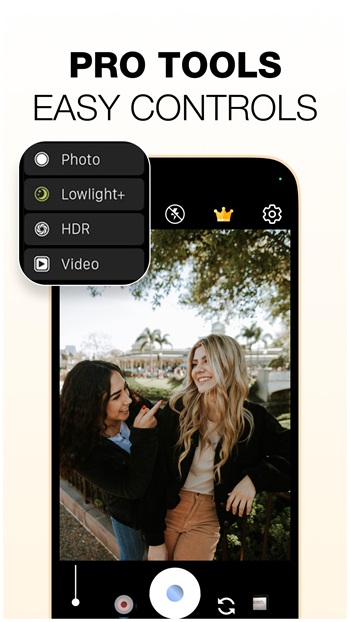
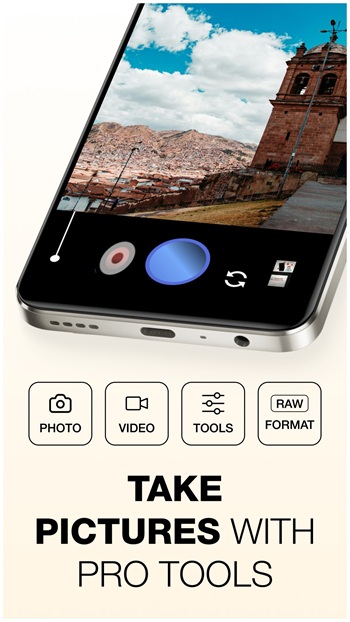
Its feature set often includes HDR+, Night Sight, Portrait mode, RAW capture, and support for custom configs in some versions. HDR+ helps recover detail in both bright and dark areas, so outdoor photos tend to look less blown out. Night mode is there for low-light scenes where regular camera apps often give up and produce a muddy mess. Portrait mode adds background blur for people, pets, or random coffee cups that suddenly feel important.
Another practical benefit is convenience. The layout is usually simple, so users can switch modes quickly and shoot without digging through too many menus. RAW support is helpful for editing later, especially for users who like tweaking tones in Lightroom or similar apps. If your stock camera feels flat, over-smoothed, or weirdly aggressive with beauty effects, GCam can feel like a cleaner option.
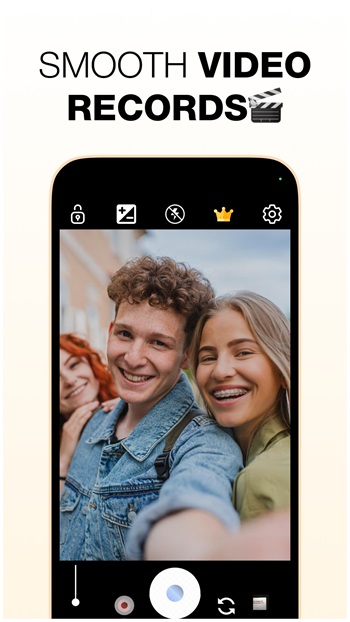
There are clear advantages, but it is still not perfect. Compatibility can be hit or miss because GCam ports depend on the phone model, Android version, and camera hardware. Some features may work well on one device and act moody on another. Crashes, broken lenses, or unstable video can happen, which is the less fun part of the story.
GCam suits Android users who care about photo quality and want better results than the default camera can provide. It is especially useful for mobile photographers, casual users who take lots of social photos, and people who shoot in low light or high-contrast scenes. If you want point-and-shoot convenience with extra tools waiting in the background, this app makes a lot of sense.
FAQs GCam
What is GCam APK?
+
GCam APK is an Android camera app or camera port built around Google Camera-style image processing, helping users take sharper and more balanced photos.
What is GCam used for?
+
It is used for taking better photos on Android phones, especially in low light, high-contrast scenes, portraits, and shots that need cleaner detail.
Does GCam APK work on every Android phone?
+
No. Compatibility depends on your phone model, Android version, and camera hardware, so some ports work smoothly while others may have limited features.
Which features do people look for in GCam?
+
Most users look for HDR+, Night Sight, Portrait mode, RAW support, and manual controls because these features improve photo quality and flexibility.
Who should use GCam APK?
+
It suits Android users who want better image quality than the stock camera offers, including casual photo takers, content creators, and mobile photography fans.
Discover More Interesting Apps
-
AI Marvels
v2.27.0
138.06 Mb
Updated -
Mod
ToonTap
v1.431.103
34.71 Mb
Updated -
Mod
Face Swap
vv1.7.8_20261106
79.59 Mb
Updated -
Mod
Photo Curves
v1.2.49
25.44 Mb
Updated -
Mod
SelfyzAI
v8.6.6.110243
138.89 Mb
Updated -
Mod
Magic Eraser
v3.3.27
39.49 Mb
Updated -
Mod
Hypic
v10.0.0
179.89 Mb
Updated -
Mod
Timemark
vv10.0.311
138.00 Mb
Updated -
Mod
OldRoll
v6.9.0
145.77 Mb
Updated -
Mod
PixelLab
v2.2.0
29.06 Mb
Updated









Share Your Thoughts